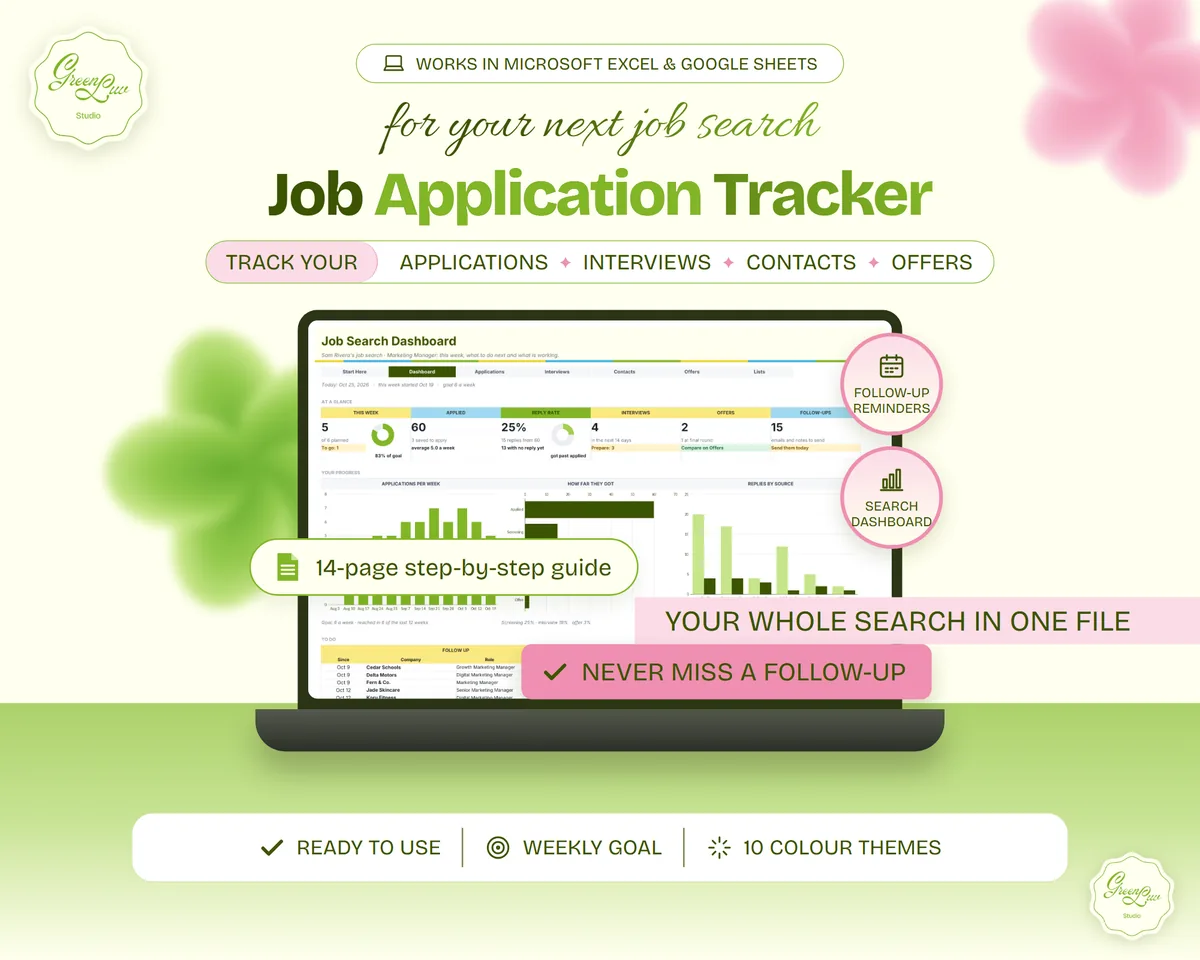
JOB SEARCH
Job Application Tracker
Every application, interview, contact and offer in one place, with follow-up dates and an offer comparison.
 GreenLuv Studio
Home › All templates › Wedding Planner & Budget
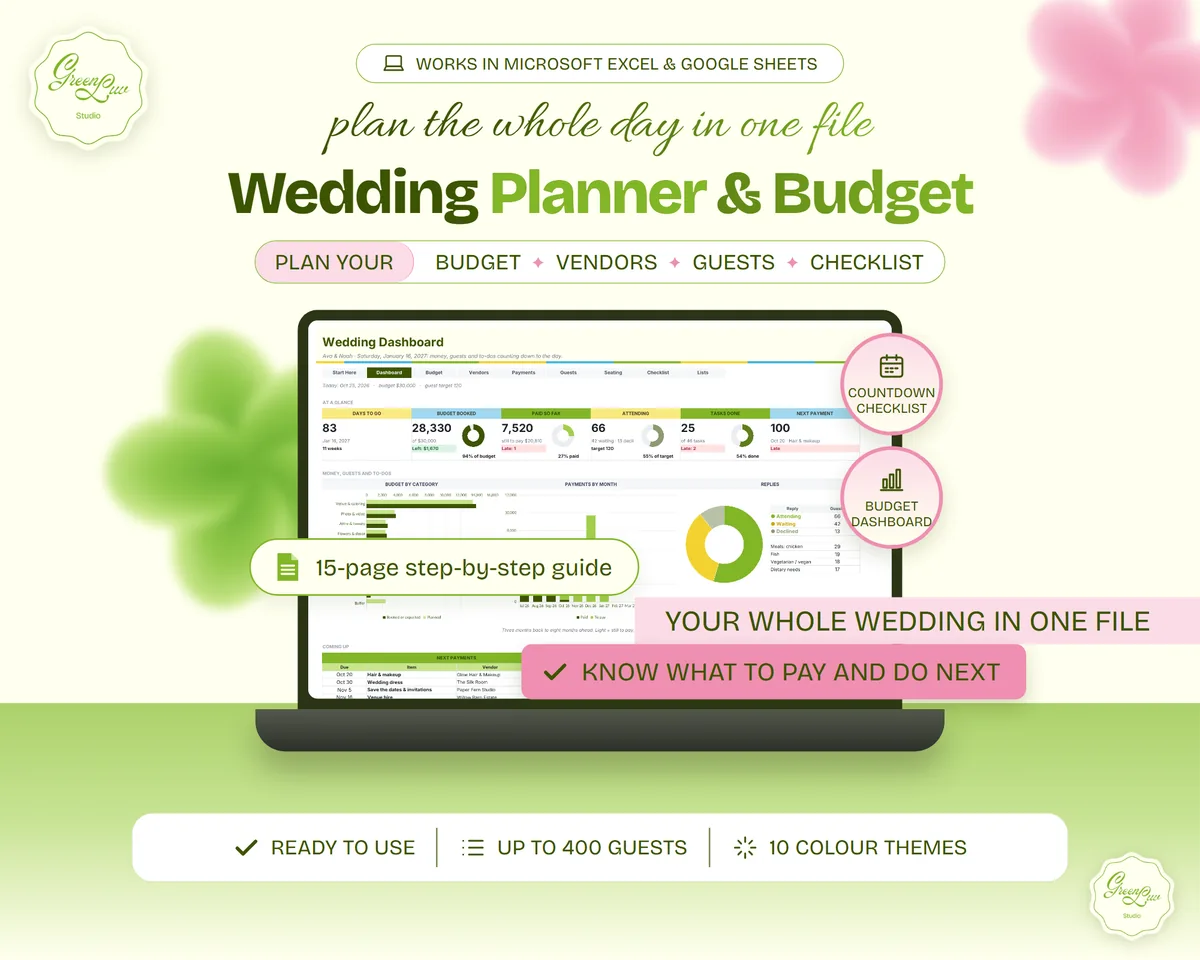
Plan your wedding in one file instead of ten: your budget, every vendor and payment, the guest list with RSVPs and meals, the seating plan and a checklist that counts down to the day. Type your wedding date and total budget once and the Dashboard shows what to pay and do next.
Buy now · Instant download11 starting categories with a share you can change, up to 80 items with estimate, booked price, paid and still to pay.
Budget by category
Up to 50 vendors with contacts, booking status, contract, balance and the next payment.
50 vendors
Up to 200 deposits and payments with due dates that show Paid, Due soon, Late or Upcoming.
Payment due dates
Up to 400 guests with A and B lists, save the dates, RSVPs, meals, dietary needs, tables, gifts and thank-yous.
400 guests + RSVPs
Up to 30 tables with seats, free places and the names at each table.
30-table seating
46 ready-made tasks dated from your wedding day, and a dashboard with days to go and what's next.
46-task countdown
Check the category split.
Payments, RSVPs, meals and tables as they come.
The next payments and to-dos, by themselves.
watch it in action
A short silent walkthrough: set up, plan, log and check what's left.
No. You only type in the highlighted cells, the formulas do the maths and the guide walks you through every tab.
Each template follows a well-known planning method, such as paycheck budgeting, the debt snowball or content pillars, and the product page names it, so you know exactly which system you are using.
Yes. Pick one of 10 colour themes and your currency from dropdowns on the Start Here tab.
Copy GREENLUV10 from the box above the Buy button, click Buy now and paste it into the coupon field at checkout.
Every application, interview, contact and offer in one place, with follow-up dates and an offer comparison.
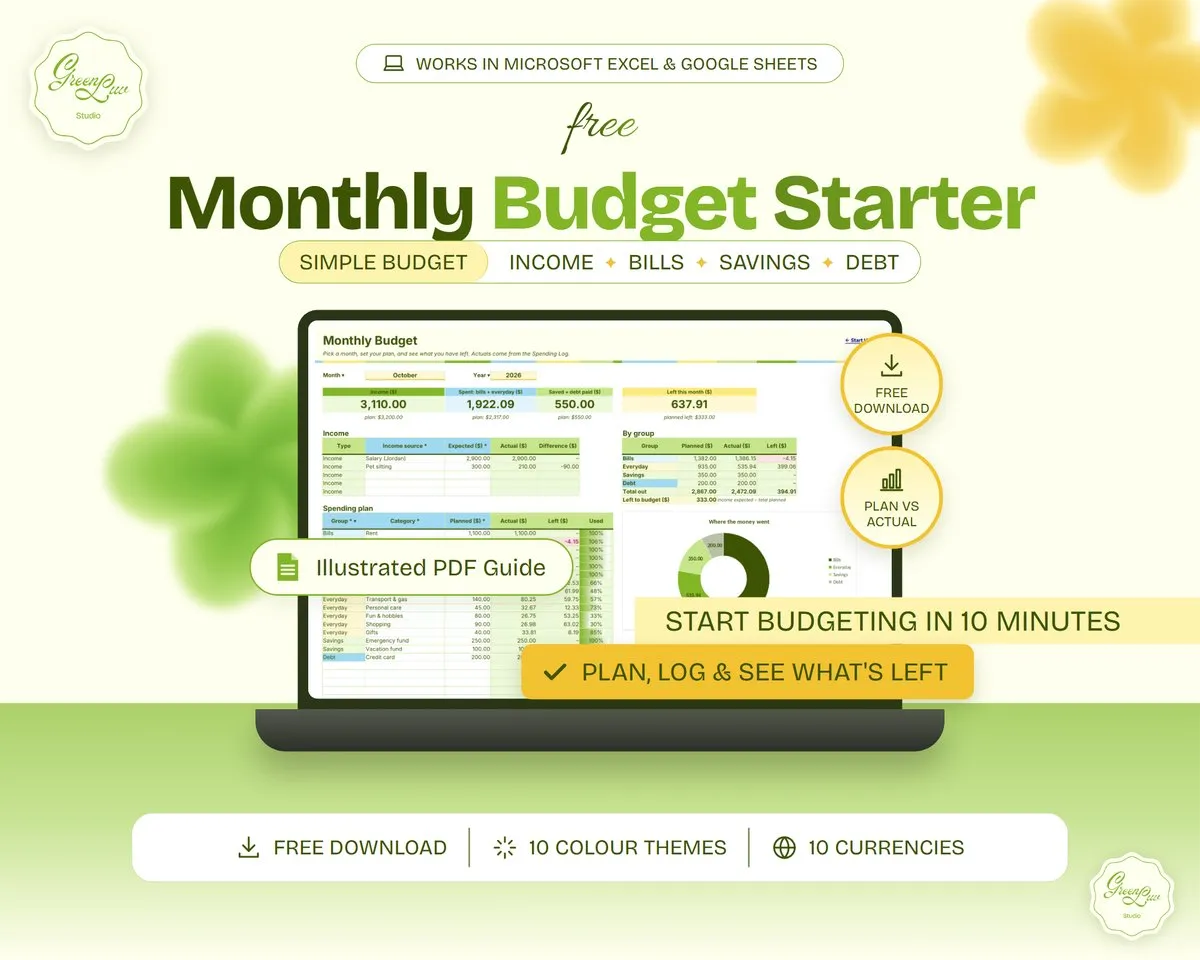
Plan vs actual for one month, in Google Sheets or Excel. Enter your email at checkout and it lands in your inbox.
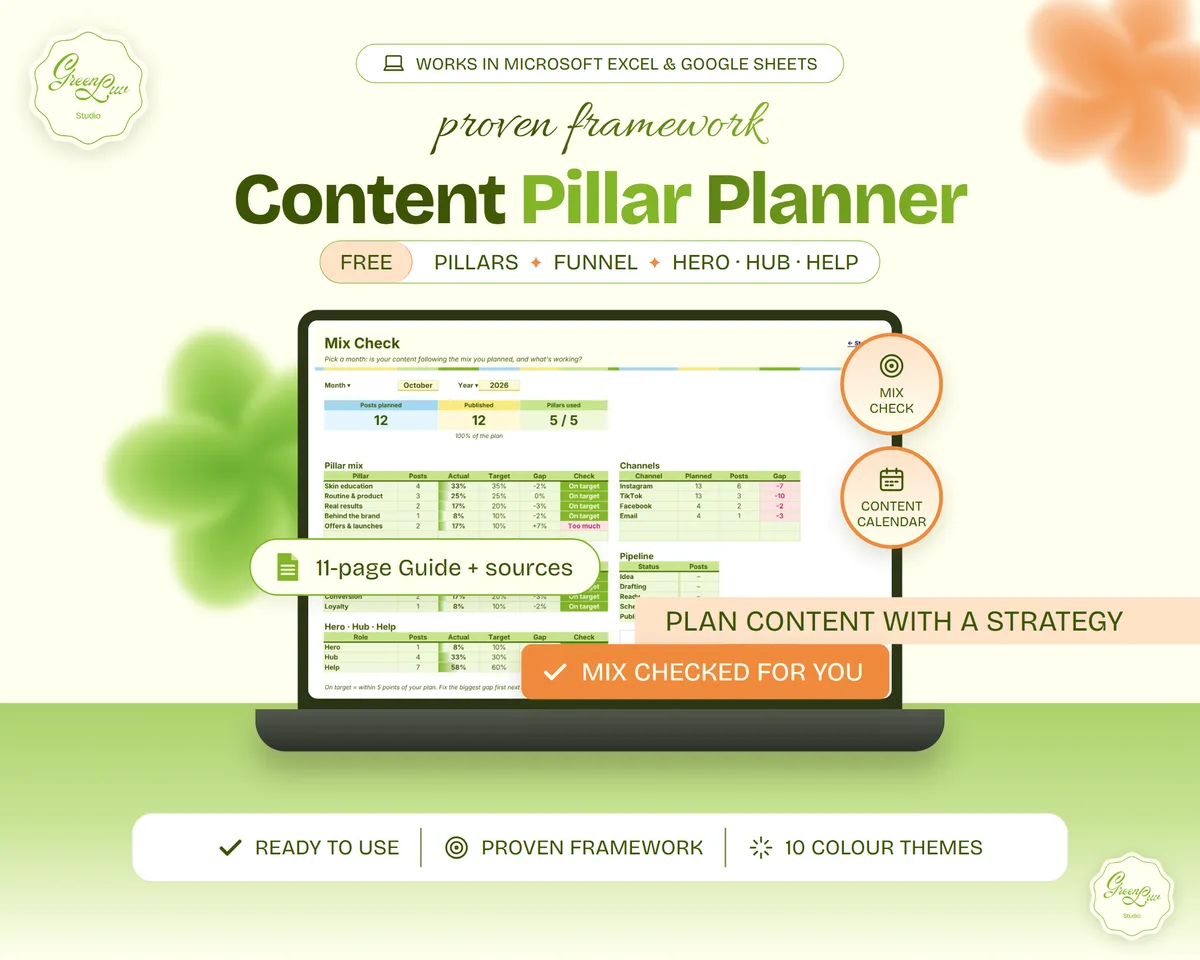
Marketing For marketers, marketing students and content teams
A free, framework-based content pillar plan for marketers: SMART goal, personas, pillars and a month of posts that checks your mix.