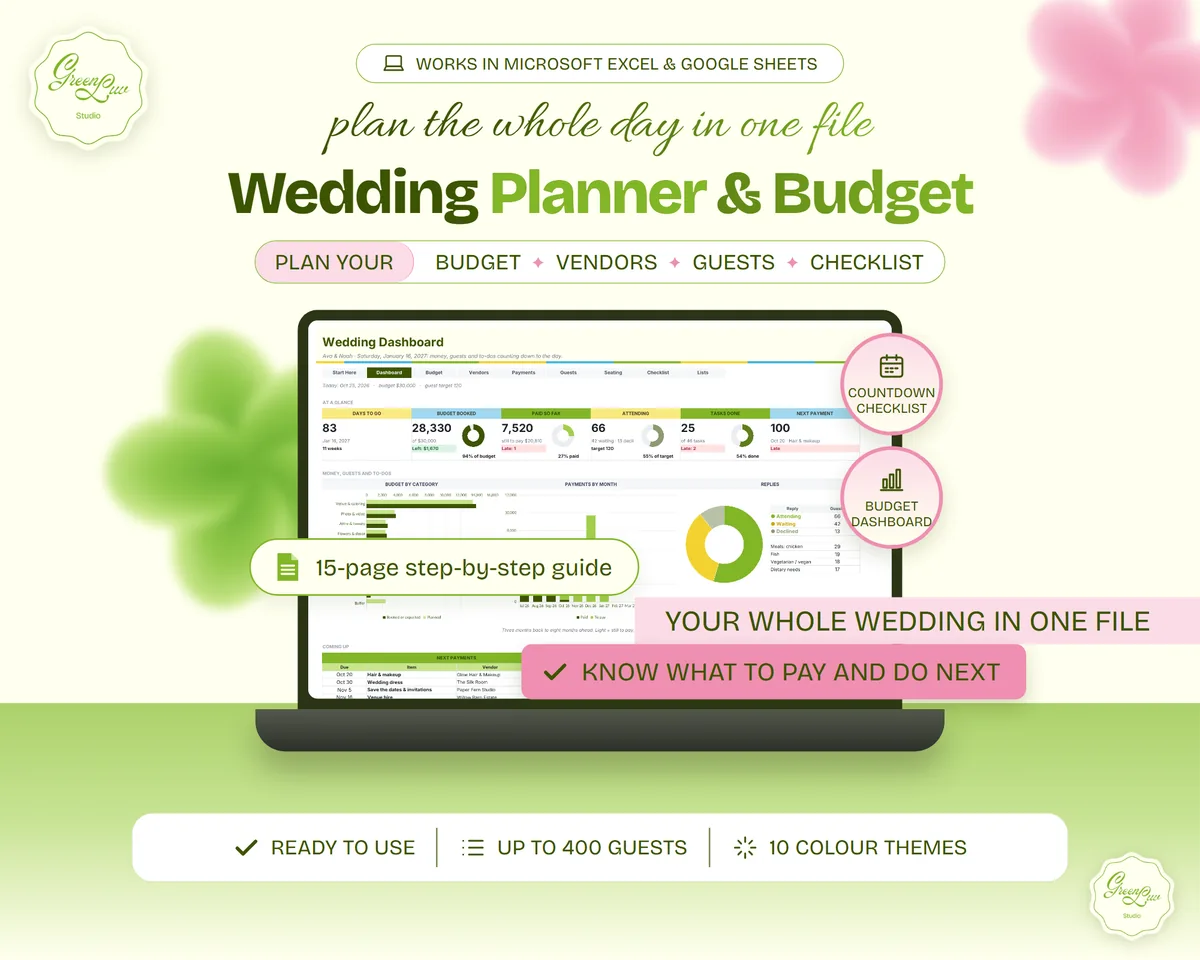
PLAN & EVENTS
Wedding Planner & Budget
Budget, vendor payments, guest list with RSVPs and meals, seating chart and a countdown checklist in one file.
 GreenLuv Studio
Home › All templates › Job Application Tracker
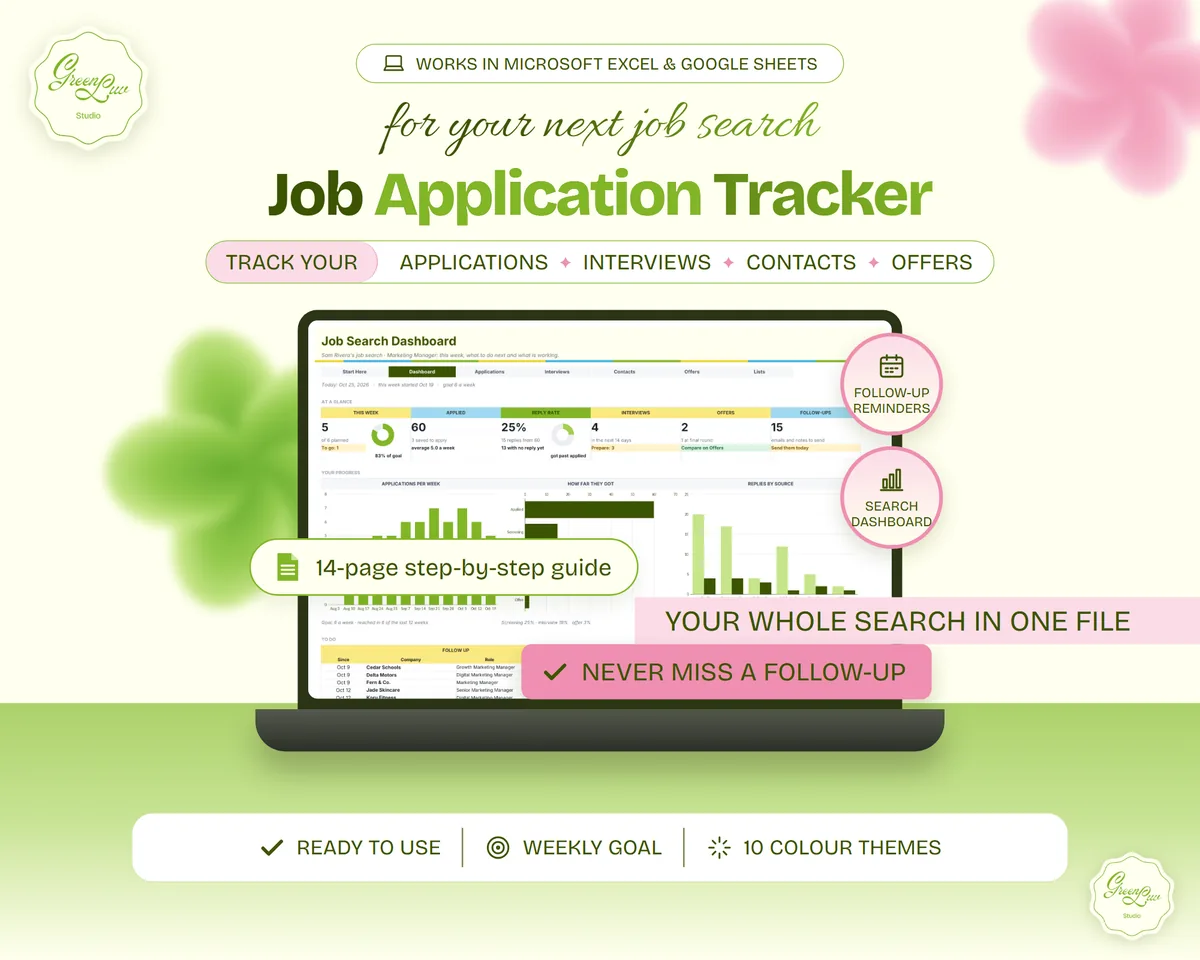
Keep your whole job search in one file: every application and its stage, every interview, the people who can help and the offers you need to compare. You always know who to follow up with, what's coming this week and which job sites actually reply.
Buy now · Instant downloadUp to 300 jobs with stage, source and pay range. Follow-up date, status and the furthest stage worked out for you.
300 applications
Up to 200 with round, format, prep and thank-you reminders, and the outcome.
Follow-up dates
Up to 150 recruiters and referrers with the next step and when. Overdue steps show in red.
150 contacts
Compare up to 5 offers on total pay, commute and time off plus your own ratings, with one score out of 100.
Offer score /100
Applications this week against your goal and the last 12 weeks on a chart.
Weekly goal chart
How far your applications get and the reply rate for each job site.
Replies by job site
And when to follow up.
Move the stage as you hear back.
To-dos, interviews and offers side by side.
watch it in action
A short silent walkthrough: set up, plan, log and check what's left.
No. You only type in the highlighted cells, the formulas do the maths and the guide walks you through every tab.
Each template follows a well-known planning method, such as paycheck budgeting, the debt snowball or content pillars, and the product page names it, so you know exactly which system you are using.
Yes. Pick one of 10 colour themes and your currency from dropdowns on the Start Here tab.
Copy GREENLUV10 from the box above the Buy button, click Buy now and paste it into the coupon field at checkout.
Budget, vendor payments, guest list with RSVPs and meals, seating chart and a countdown checklist in one file.
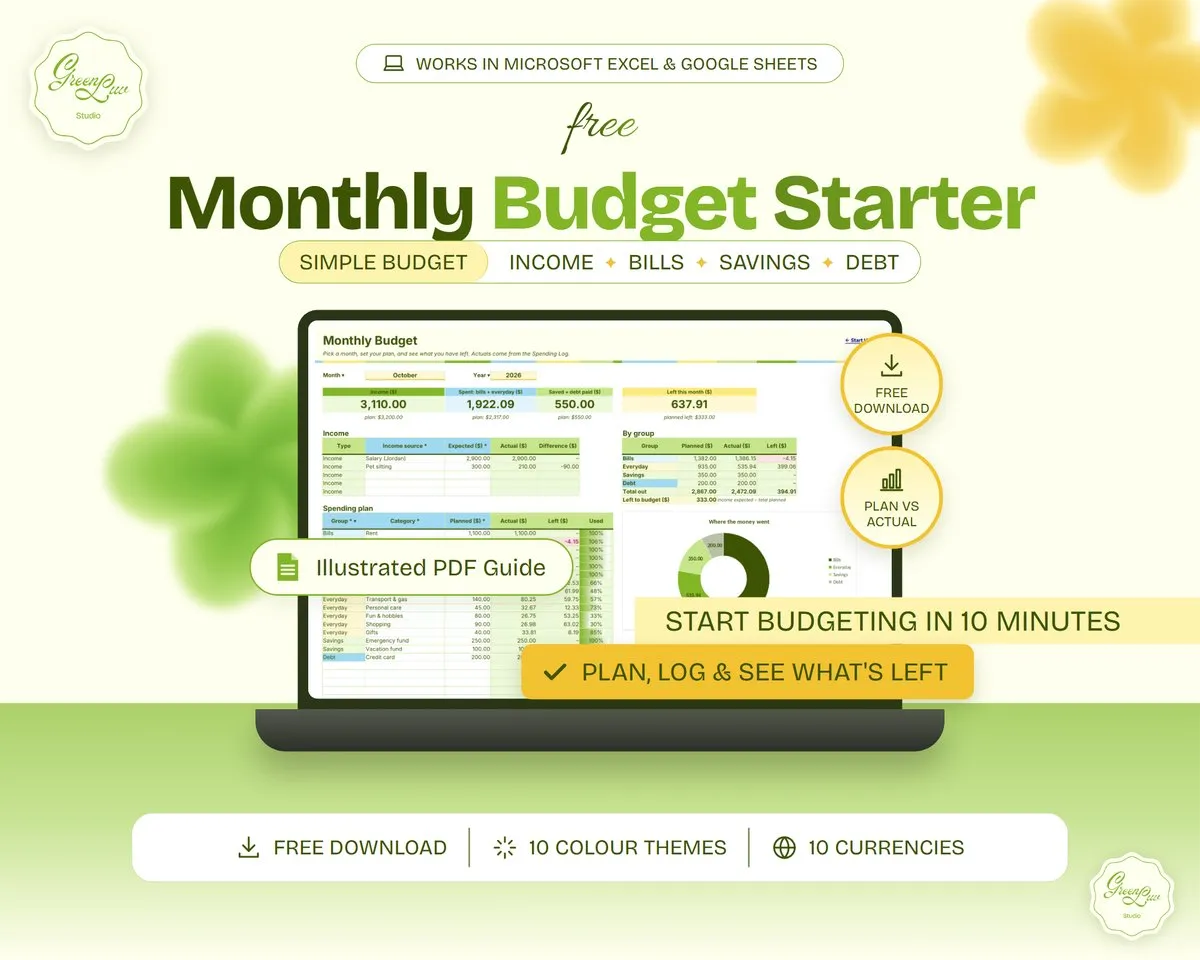
Plan vs actual for one month, in Google Sheets or Excel. Enter your email at checkout and it lands in your inbox.
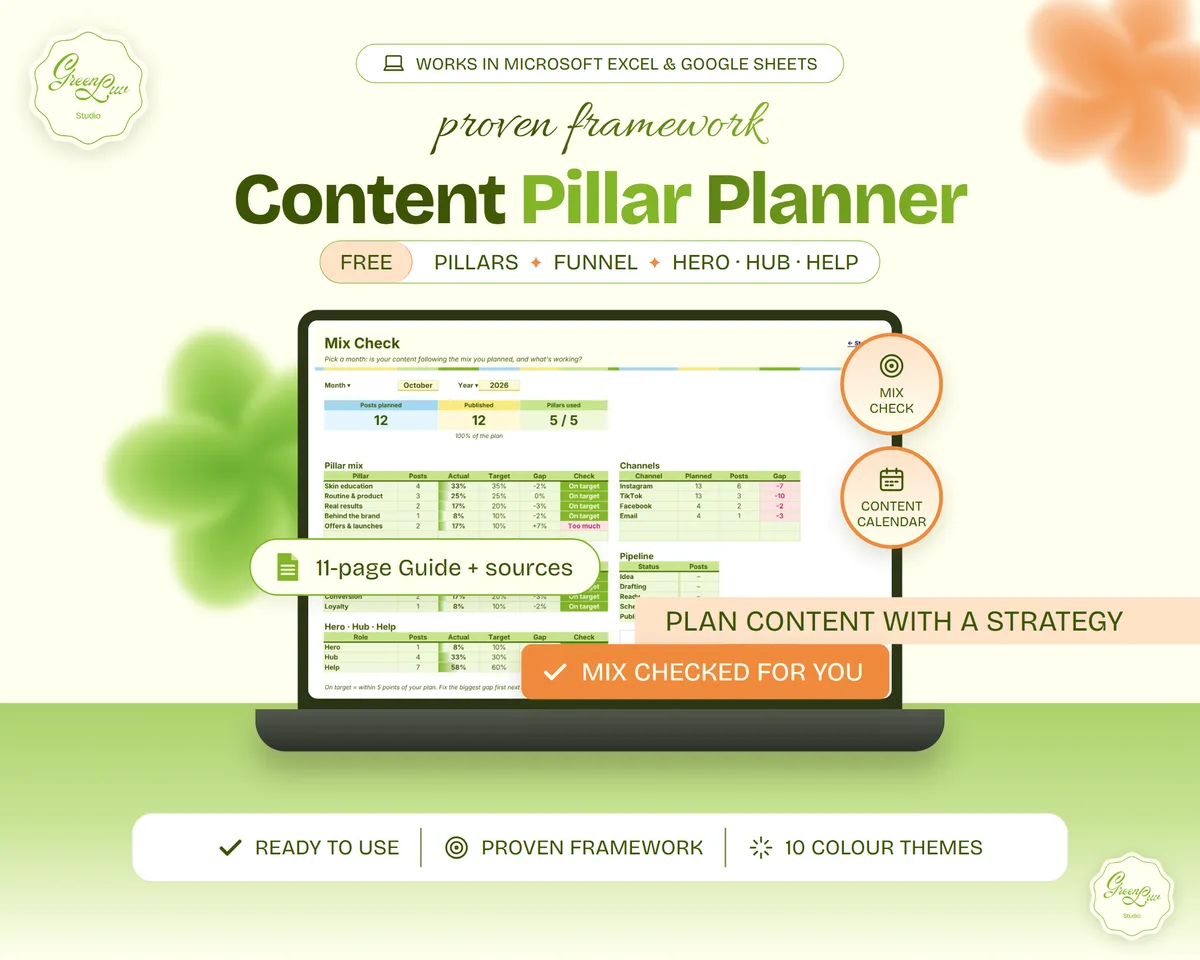
Marketing For marketers, marketing students and content teams
A free, framework-based content pillar plan for marketers: SMART goal, personas, pillars and a month of posts that checks your mix.