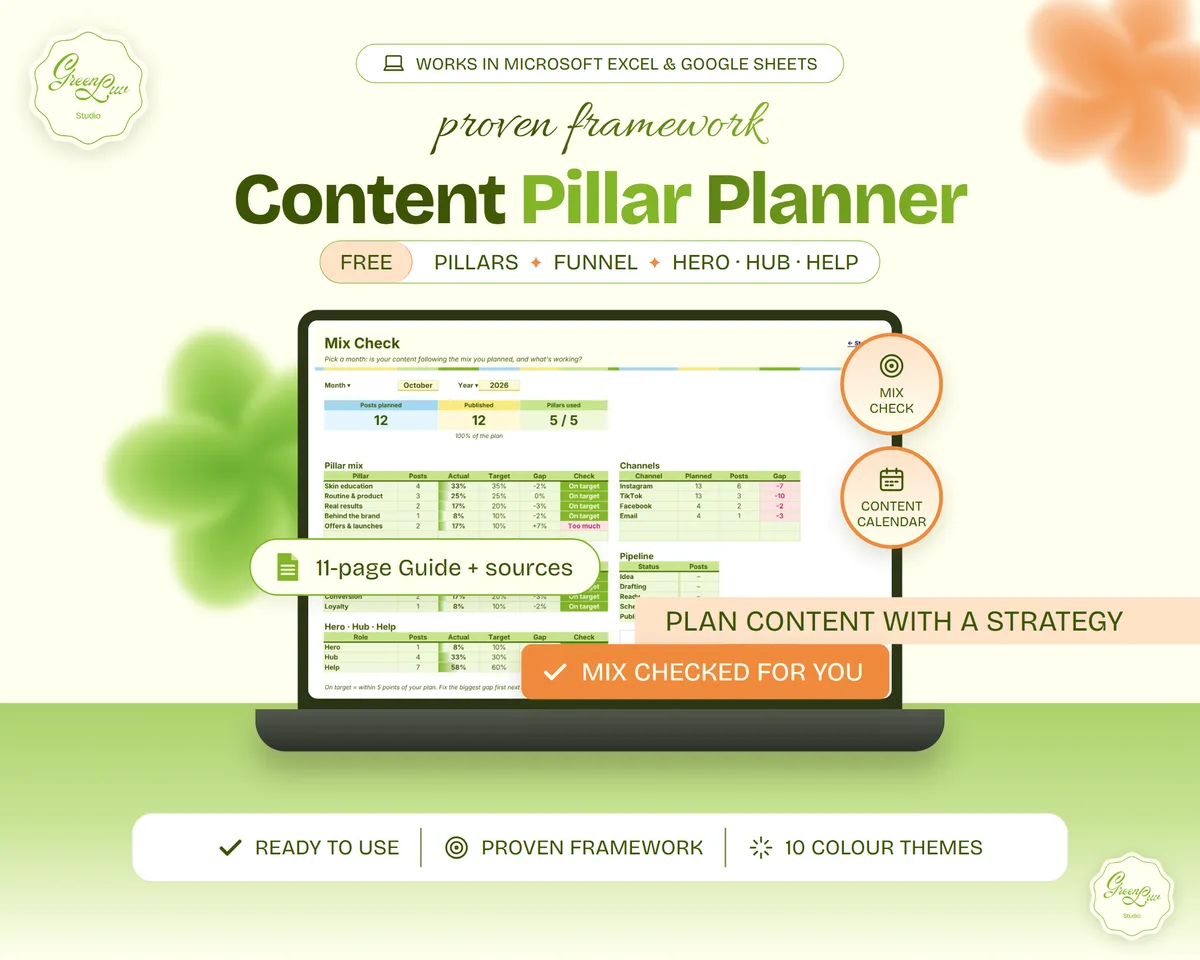
FREE
Content Pillar Planner
Marketing For marketers, marketing students and content teams
A free, framework-based content pillar plan for marketers: SMART goal, personas, pillars and a month of posts that checks your mix.
 GreenLuv Studio
Home › All templates › Content Plan & Calendar
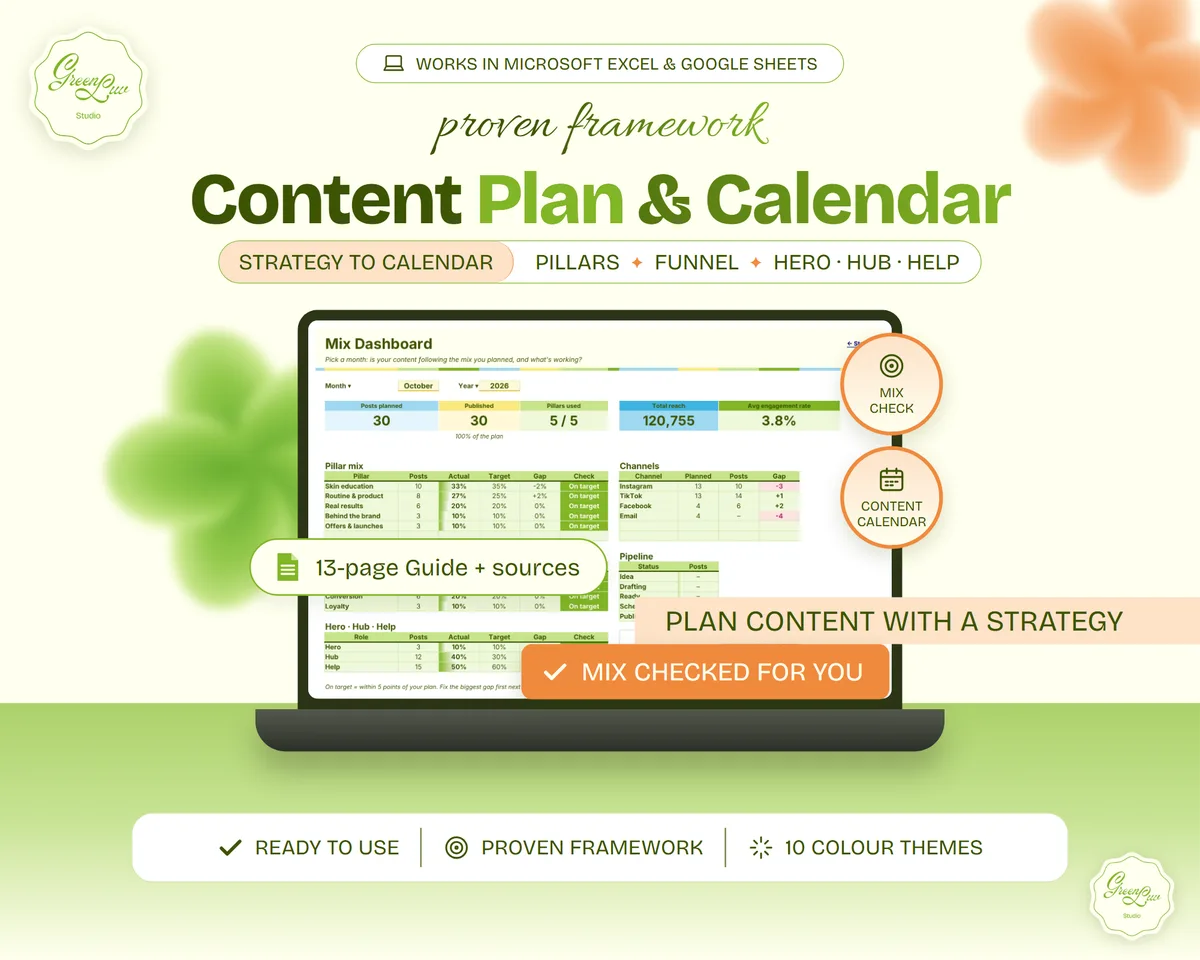
Framework SMART · Personas · Content pillars · AIDA · Hero Hub Help
Marketing For marketers, marketing students and content teams
A framework-based content marketing plan made for people who work in marketing, ready to use in Google Sheets & Excel. Set a SMART goal, describe your personas, choose your content pillars and the mix you aim for, then plan every post on a calendar that checks the mix and shows which pillar works best.
Buy now · Instant downloadSMART goals, 2 buyer personas, up to 6 content pillars with a target mix, funnel mix, Hero · Hub · Help mix and channel plan.
Goals, personas, pillars
One row per post with channel, pillar, format, funnel stage, role, topic, hook, CTA, owner and status. 400 rows; late posts show in soft red.
400 rows with dropdowns
Pick a month to see pillar, funnel and Hero · Hub · Help mix against your targets, planned vs posted per channel and the status pipeline.
Mix vs target, any month
Reach, engagement and link clicks per post; ER and CTR calculated, with the best pillar named.
ER · CTR by pillar
A real calendar grid for any month, with the first post and +more on each day.
Real calendar grid
200 rows with pillar, stage, format, priority and an 'on calendar?' check.
200 ideas with priority
A SMART goal, personas, pillars and the mix you aim for.
One row each, with dropdowns for channel, pillar, funnel stage and status.
Pick a month and fix the biggest gap first. Results show which pillar works.
watch it in action
A short silent walkthrough: set up, plan, log and check what's left.
No. You only type in the highlighted cells, the formulas do the maths and the guide walks you through every tab.
Each template follows a well-known planning method, such as paycheck budgeting, the debt snowball or content pillars, and the product page names it, so you know exactly which system you are using.
Yes. Pick one of 10 colour themes and your currency from dropdowns on the Start Here tab.
Copy GREENLUV10 from the box above the Buy button, click Buy now and paste it into the coupon field at checkout.
Marketing For marketers, marketing students and content teams
A free, framework-based content pillar plan for marketers: SMART goal, personas, pillars and a month of posts that checks your mix.
Marketing For marketers, marketing students and content teams
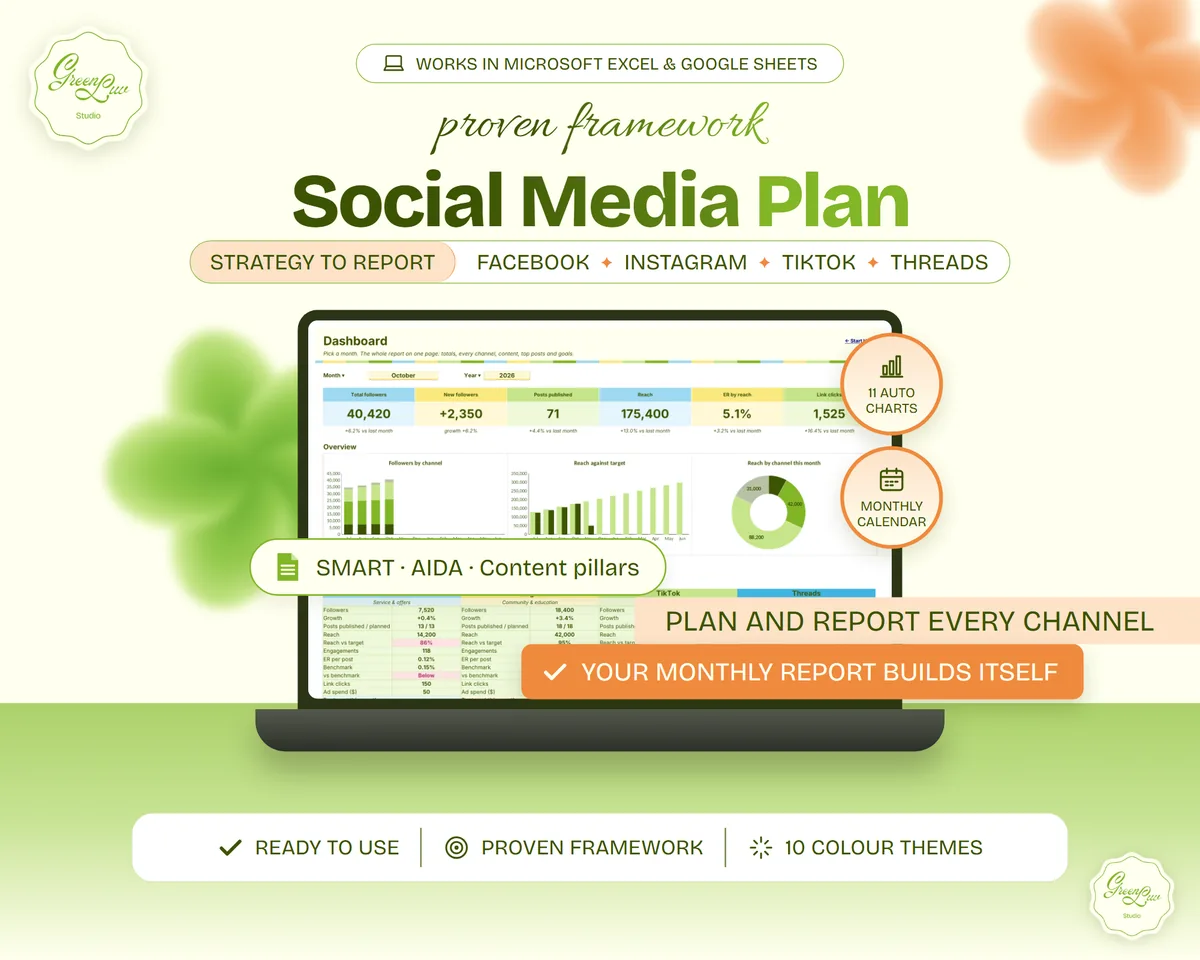
A framework-based social media plan: strategy on one tab, a post calendar for Facebook, Instagram, TikTok and Threads, and a monthly dashboard that writes itself.
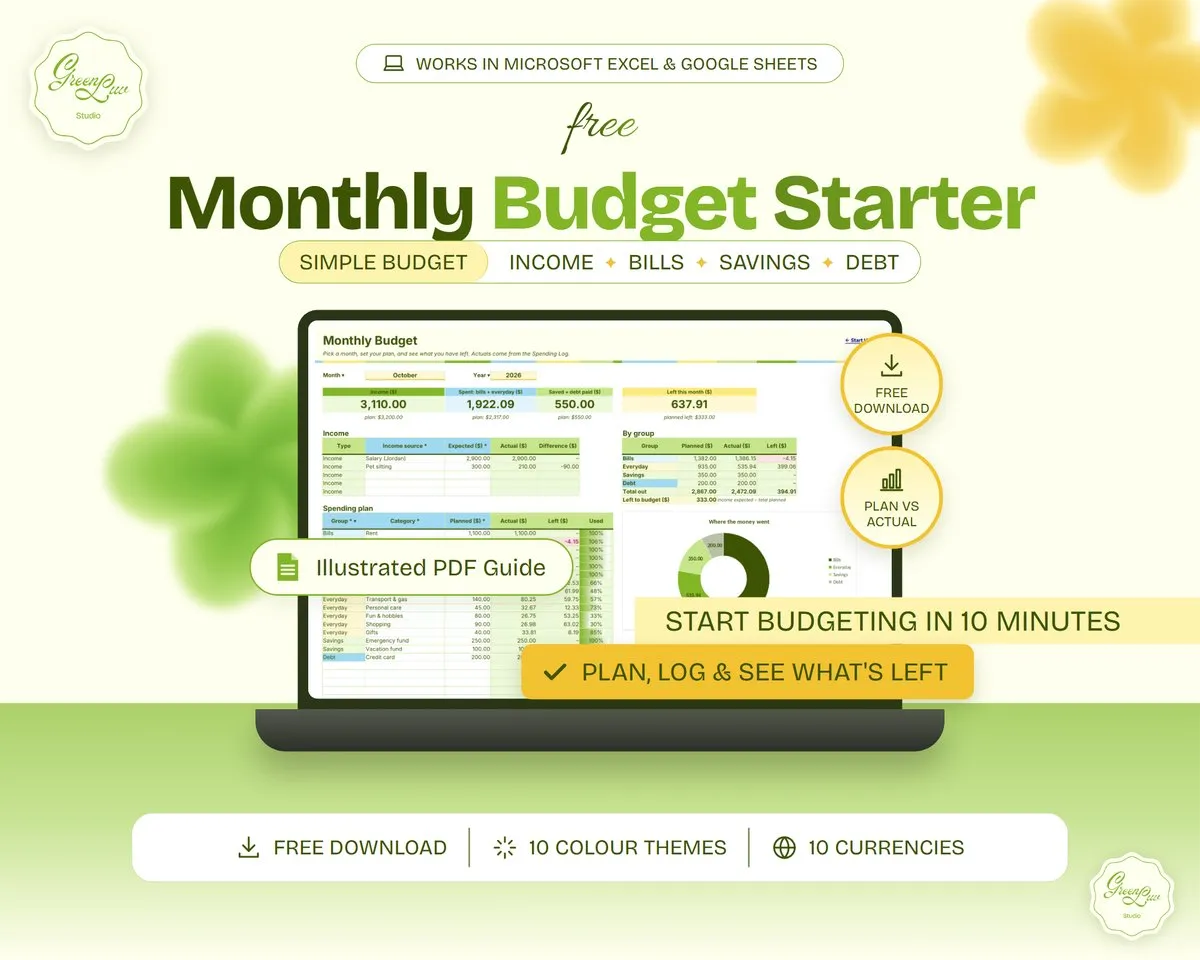
Plan vs actual for one month, in Google Sheets or Excel. Enter your email at checkout and it lands in your inbox.