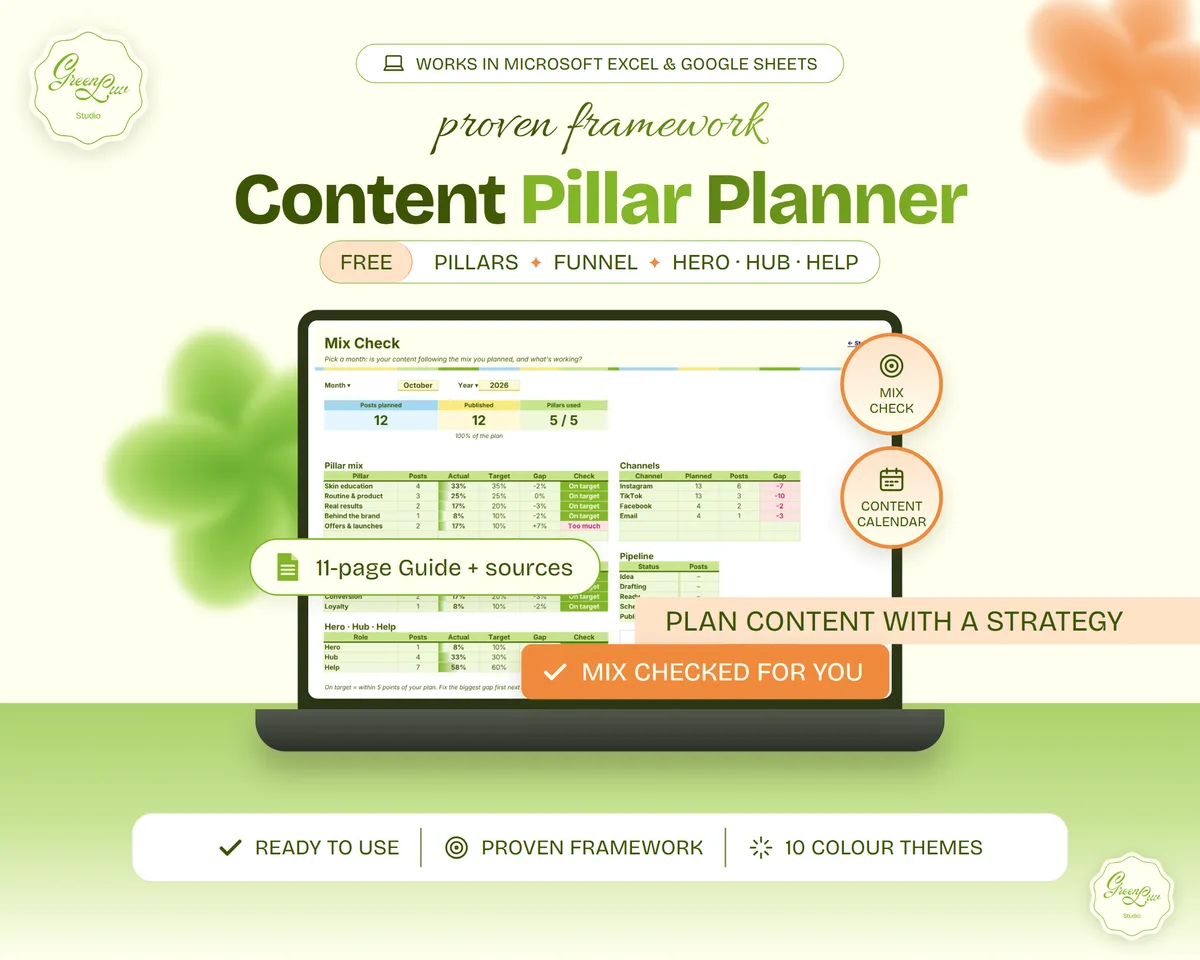
FREE
Content Pillar Planner
Marketing For marketers, marketing students and content teams
A free, framework-based content pillar plan for marketers: SMART goal, personas, pillars and a month of posts that checks your mix.
 GreenLuv Studio
Home › All templates › Social Media Plan
Watch the file in action · about 1 minute
Framework SMART · AIDA funnel · Content pillars · SOSTAC® sequence
Marketing For marketers, marketing students and content teams
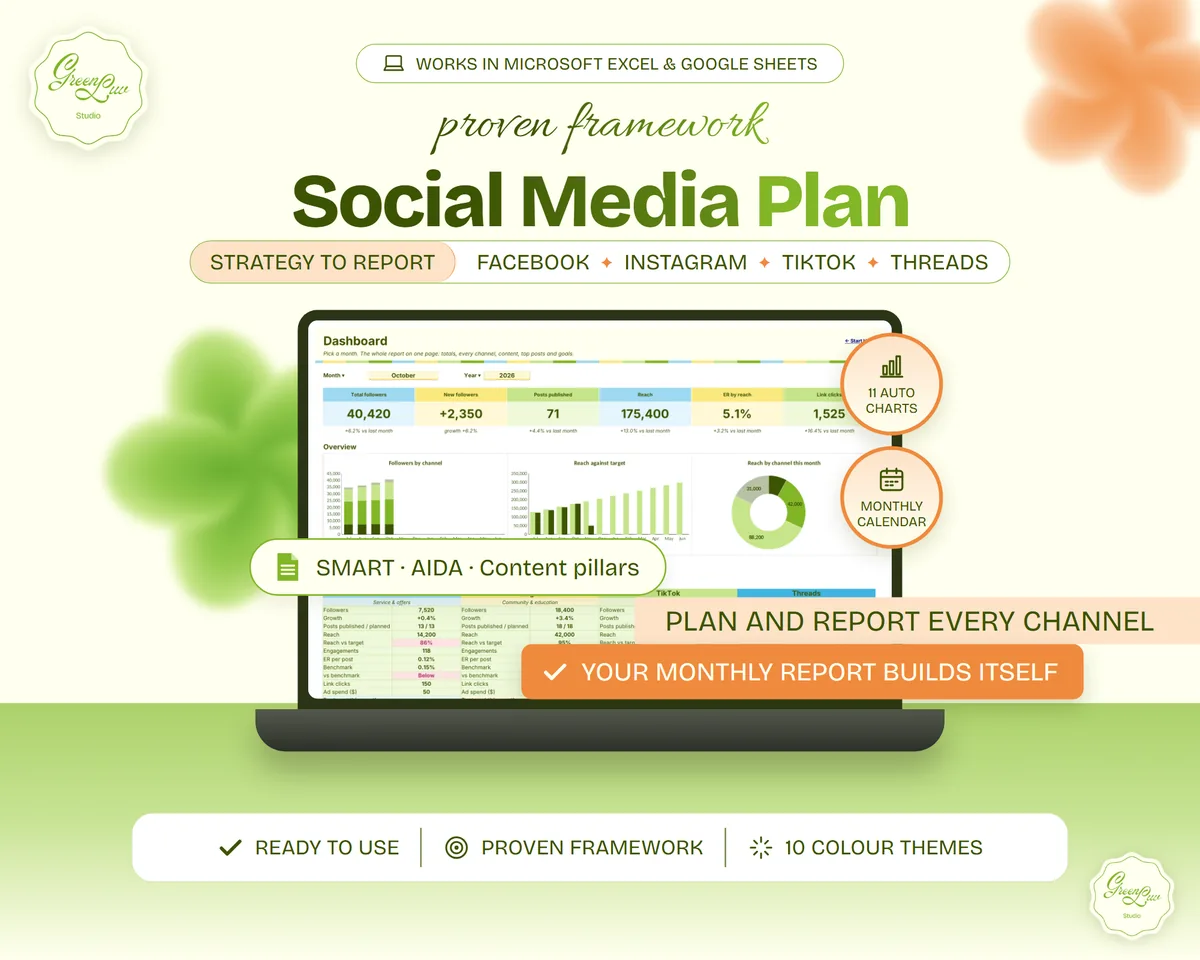
A framework-based social media marketing plan made for people who run several channels, ready to use in Google Sheets & Excel. Audit your channels, give each one a role, set SMART goals and monthly targets, plan every post on its own channel tab, then pick a month and read a report that builds itself.
Buy now · Instant downloadBrief, channel audit against your benchmark, channel roles and posting rhythm, competitors, content pillars, voice, up to 6 SMART goals and 12 months of targets vs results.
Strategy on one tab
Facebook, Instagram, TikTok and Threads, 300 rows each: date, time, format, pillar, funnel stage, caption or hook, hashtags, CTA, status and results. ER is calculated.
4 channels × 300 rows
Every format, pillar, funnel stage and status has its own colour. A past date that isn't published shows in soft red.
Colour tags by status
A grid for any month with a row per channel on every day, post counts per channel and key dates.
Monthly grid, 4 channels
6 headline numbers vs last month, 11 charts, a card per channel, top 5 posts, goal progress and three sentences written from your numbers.
11 charts + insights
Pick a theme on Start Here and every tab changes colour at once. 10 currency symbols.
Every tab changes colour
Channel audit, roles, pillars, goals and monthly targets.
One row per post on each channel tab, then add results once it's live.
Type followers at month end and pick the month on the Dashboard.
watch it in action
A short silent walkthrough: set up, plan, log and check what's left.
No. You only type in the highlighted cells, the formulas do the maths and the guide walks you through every tab.
Each template follows a well-known planning method, such as paycheck budgeting, the debt snowball or content pillars, and the product page names it, so you know exactly which system you are using.
Yes. Pick one of 10 colour themes and your currency from dropdowns on the Start Here tab.
Copy GREENLUV10 from the box above the Buy button, click Buy now and paste it into the coupon field at checkout.
Marketing For marketers, marketing students and content teams
A free, framework-based content pillar plan for marketers: SMART goal, personas, pillars and a month of posts that checks your mix.
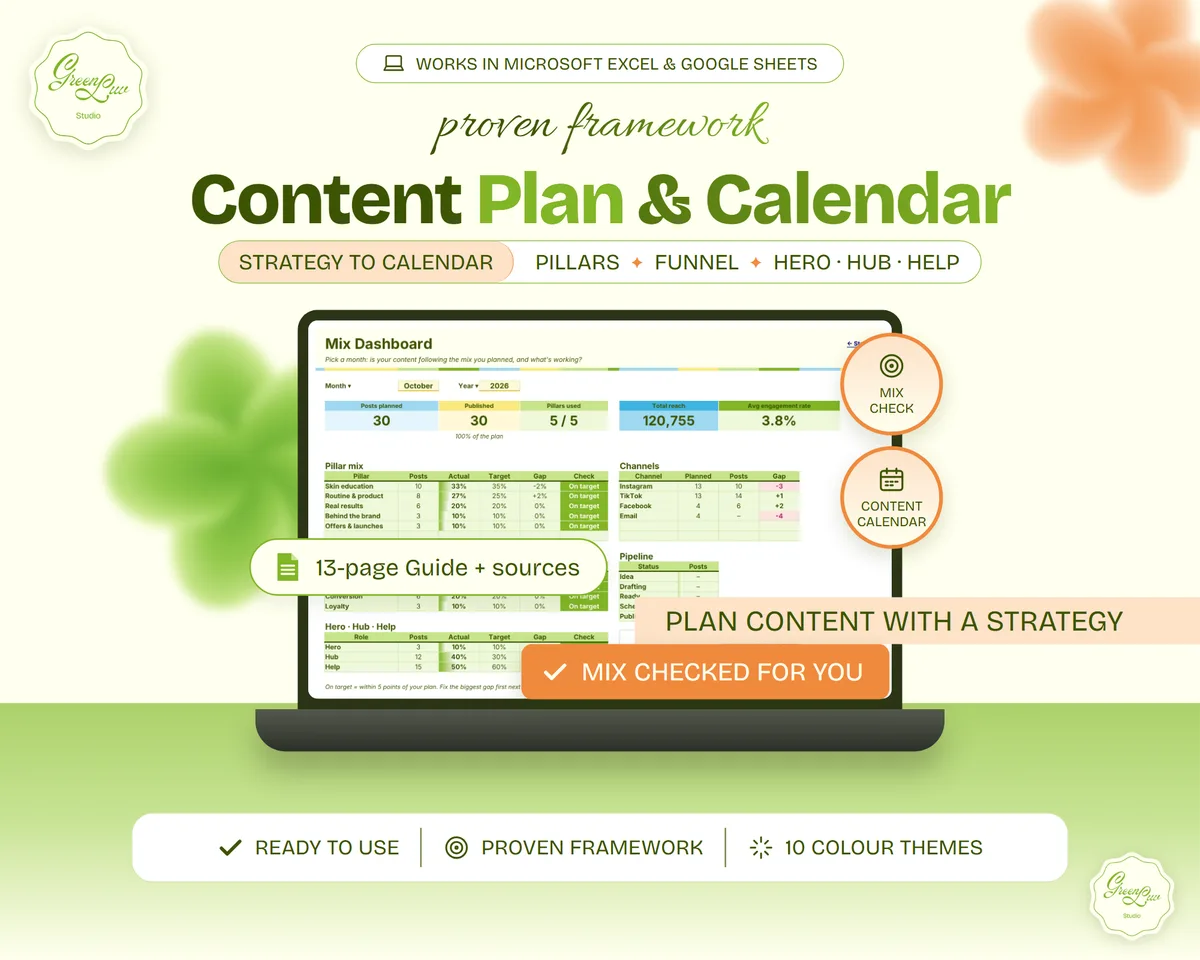
Marketing For marketers, marketing students and content teams
A framework-based content marketing plan: strategy on one page, a 400-row calendar that checks your mix, results by pillar.
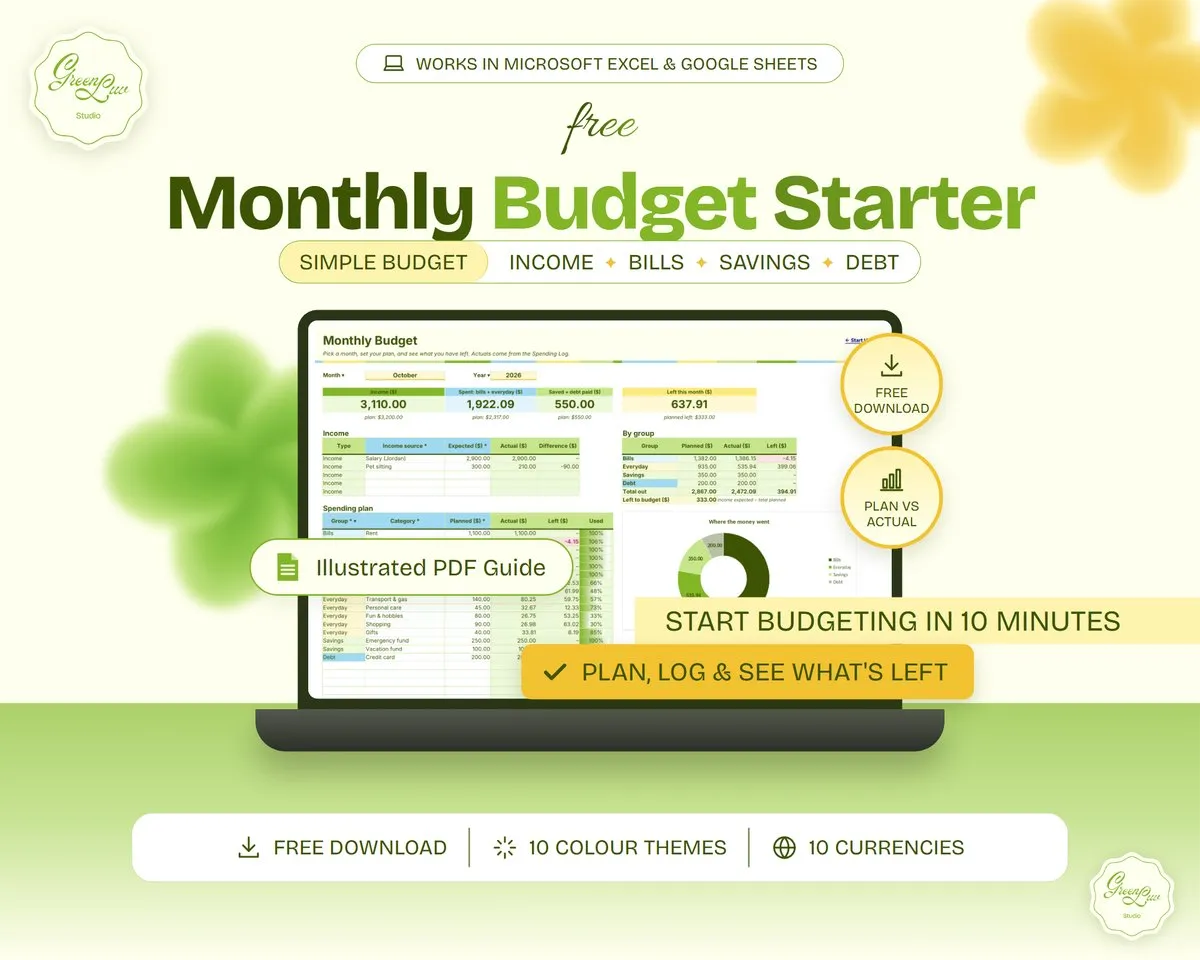
Plan vs actual for one month, in Google Sheets or Excel. Enter your email at checkout and it lands in your inbox.