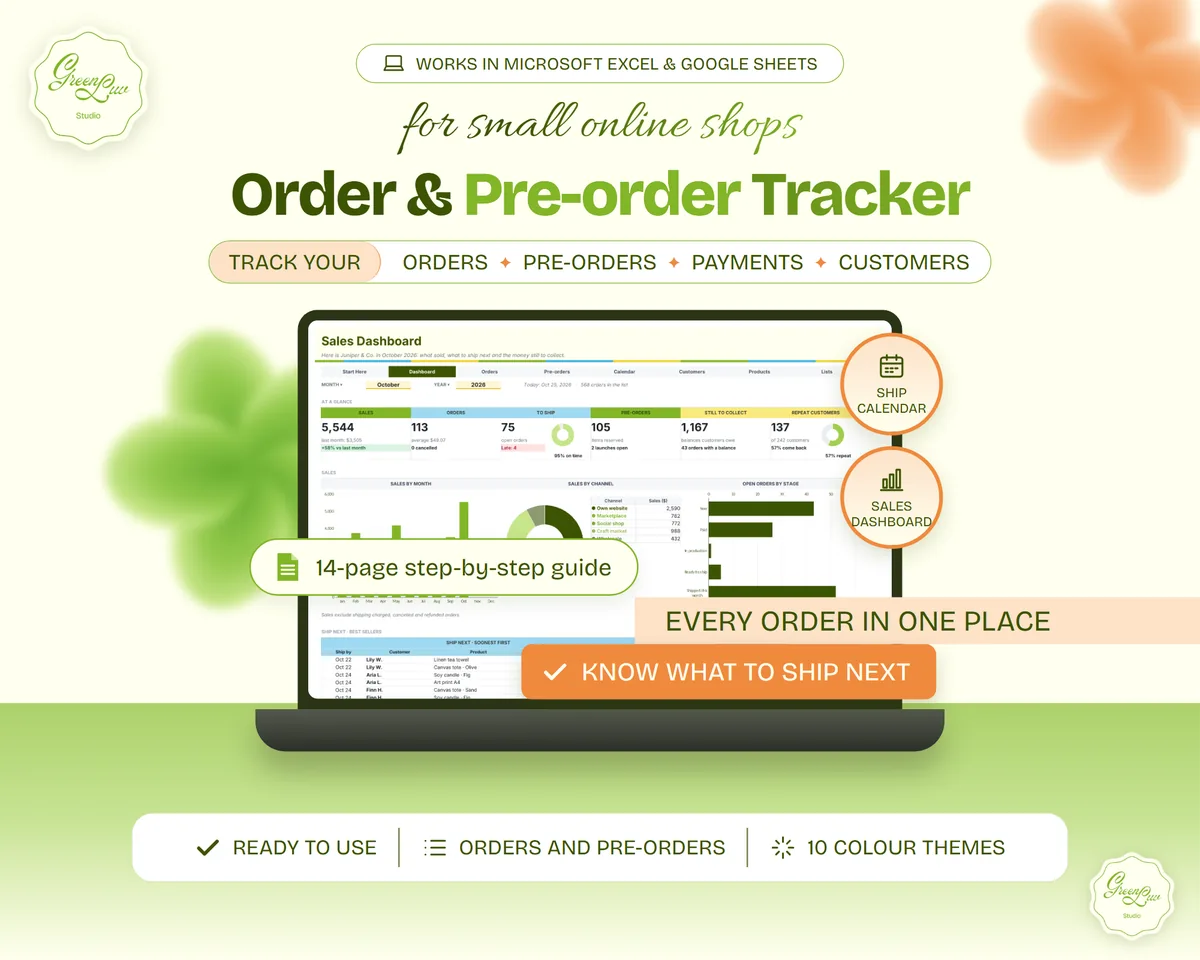
FOR SMALL SHOPS
Order & Pre-order Tracker
Every order and pre-order in one place: totals, deposits, balances, ship-by warnings and a monthly sales dashboard.
 GreenLuv Studio
Home › All templates › Pricing & Profit Calculator
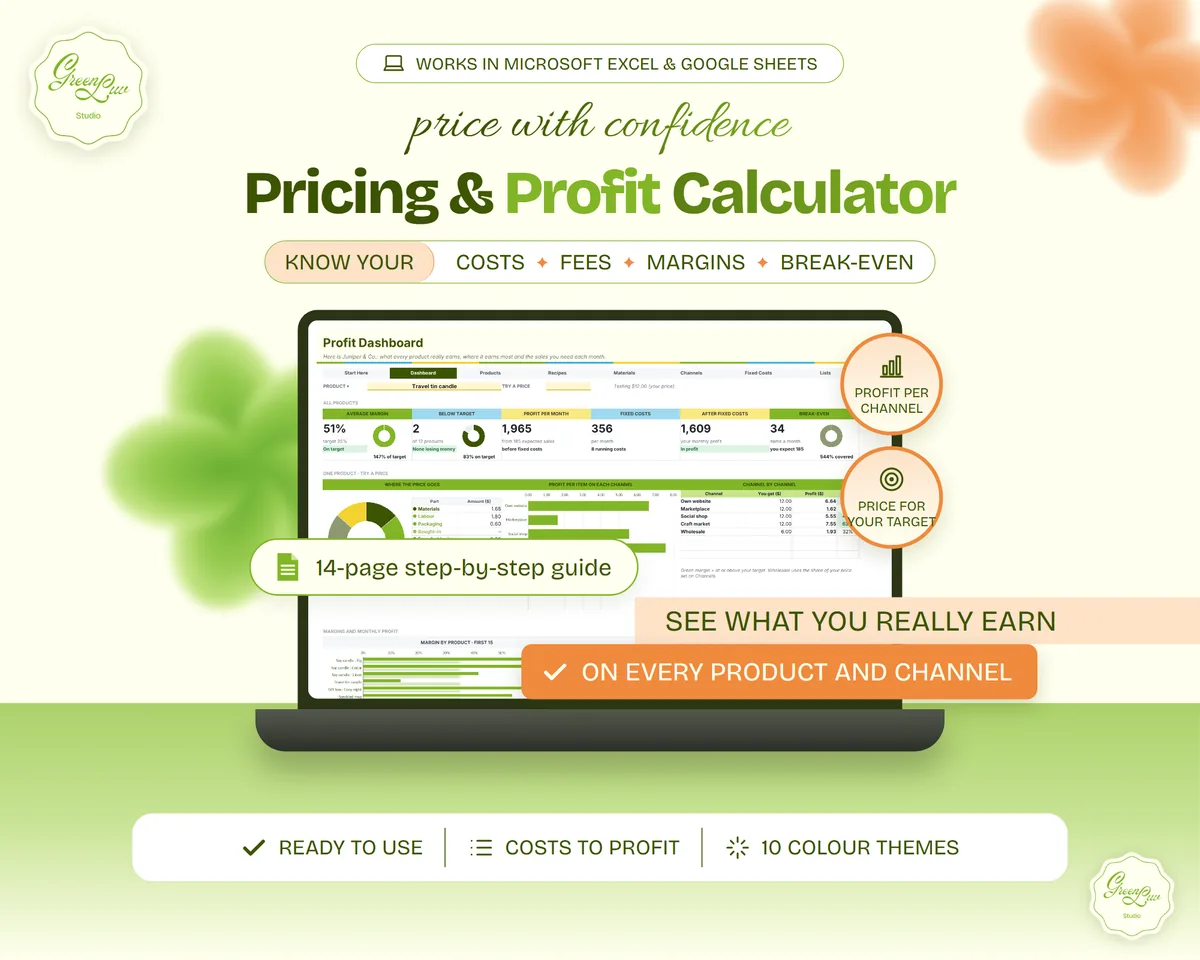
Find out what every product really costs you, what you keep after fees and shipping on each place you sell, and the price that hits the margin you want. List your materials once, add each product with its recipe and making time, and test a new price before you change it anywhere.
Buy now · Instant downloadUp to 150 materials. Pack price ÷ pack size = cost per unit, plus how much your sales use each month.
150 materials
Up to 600 lines that say which materials go into each product and how much.
600 recipe lines
Full cost with labour, profit, margin, status against your target, the price for your target margin and wholesale and retail prices.
Price for your margin
Up to 8 channels with your own fees and shipping. A grid shows every product's profit on every channel.
8 channels, one grid
Running costs turned into a monthly figure, with break-even sales and profit after fixed costs.
Break-even per month
Pick a product, try a price and see the cost breakdown and the profit on each channel before you change it.
Try a price first
Pack price and pack size, once.
Its recipe, making time and packaging.
Profit, margin and the price for your target, on every channel.
watch it in action
A short silent walkthrough: set up, plan, log and check what's left.
No. You only type in the highlighted cells, the formulas do the maths and the guide walks you through every tab.
Each template follows a well-known planning method, such as paycheck budgeting, the debt snowball or content pillars, and the product page names it, so you know exactly which system you are using.
Yes. Pick one of 10 colour themes and your currency from dropdowns on the Start Here tab.
Copy GREENLUV10 from the box above the Buy button, click Buy now and paste it into the coupon field at checkout.
Every order and pre-order in one place: totals, deposits, balances, ship-by warnings and a monthly sales dashboard.
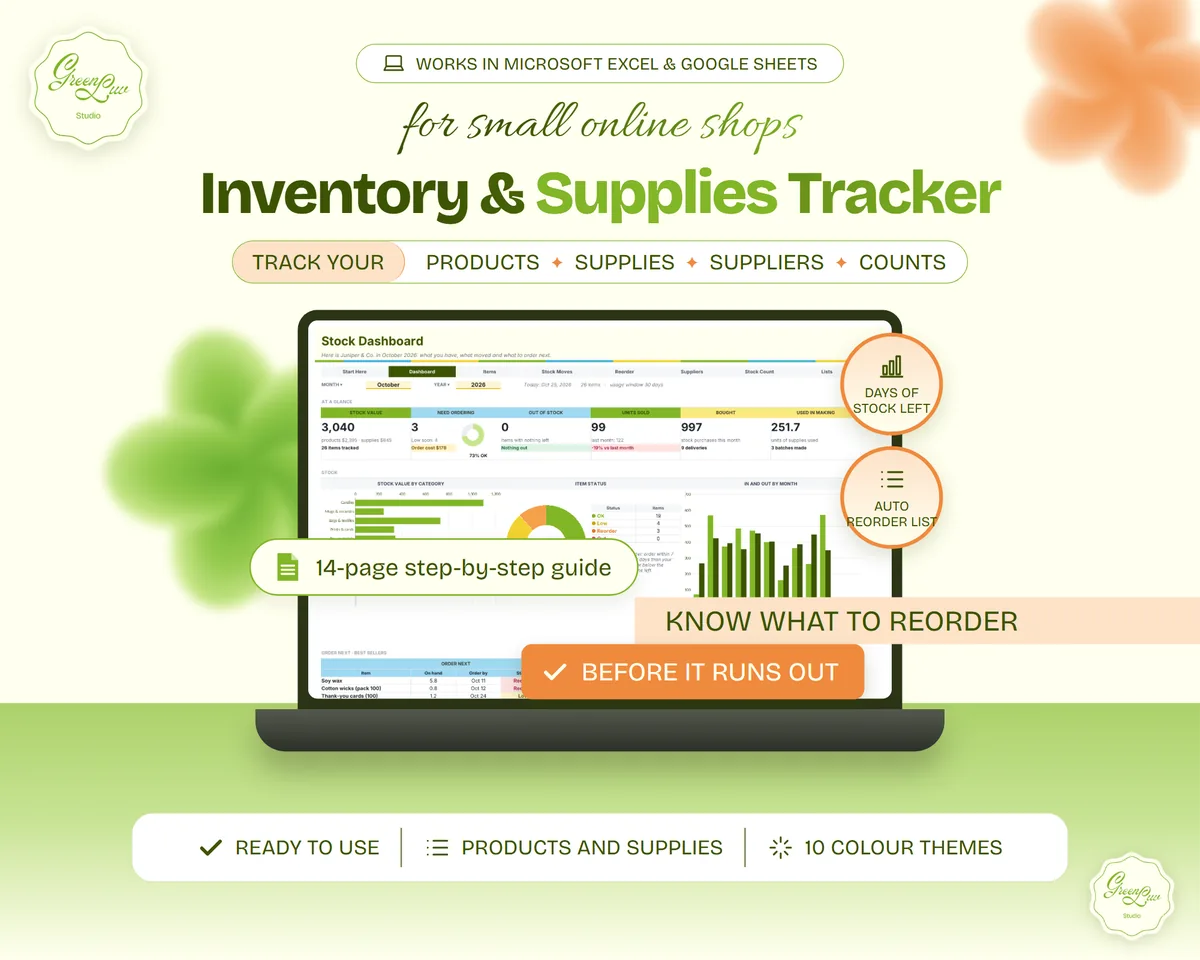
Stock on hand, days of stock left and a reorder list with order-by dates, for products and supplies.
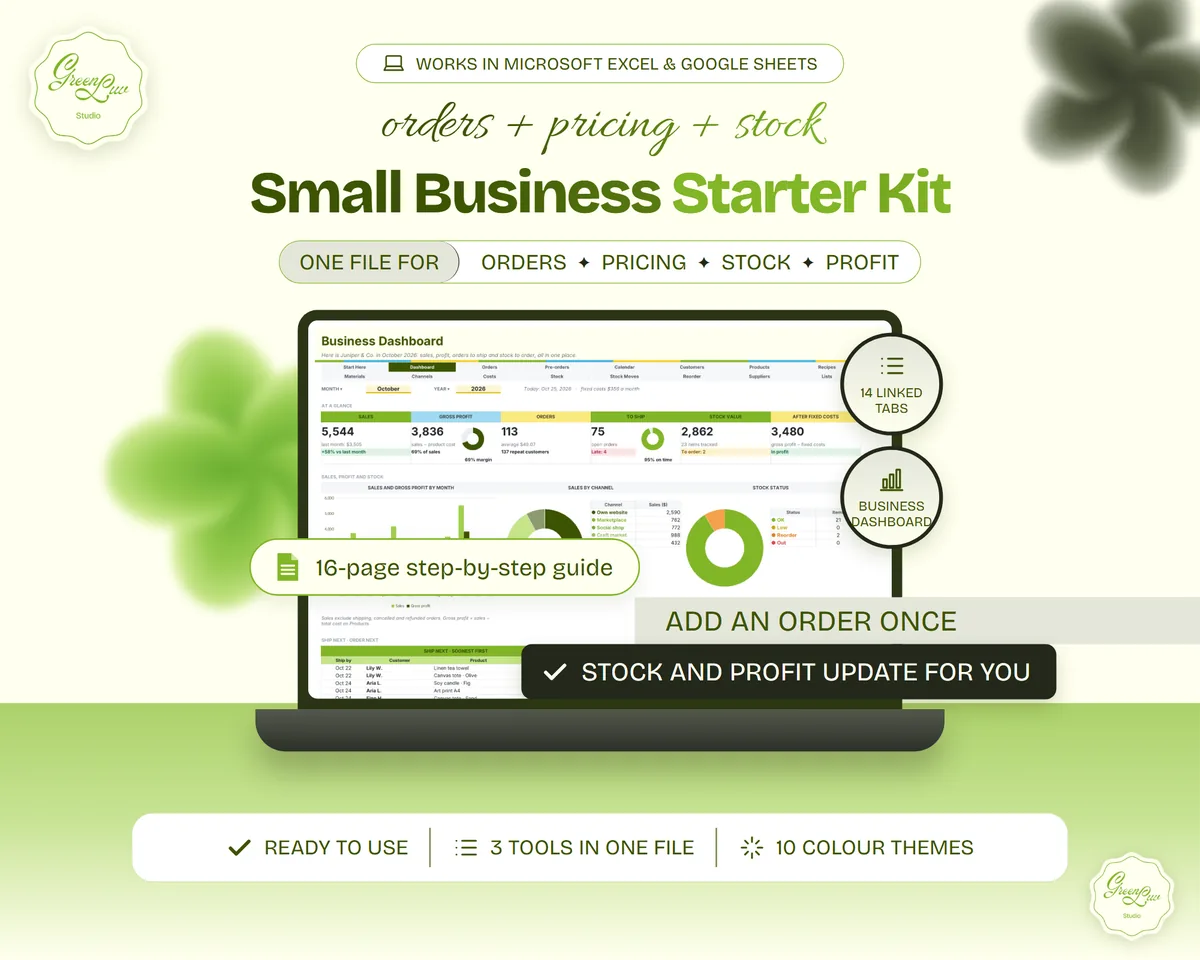
Orders, pricing and inventory in one connected file: add an order once and stock, profit and reorders update.