BESTSELLER PICK
Monthly & Paycheck Budget Planner
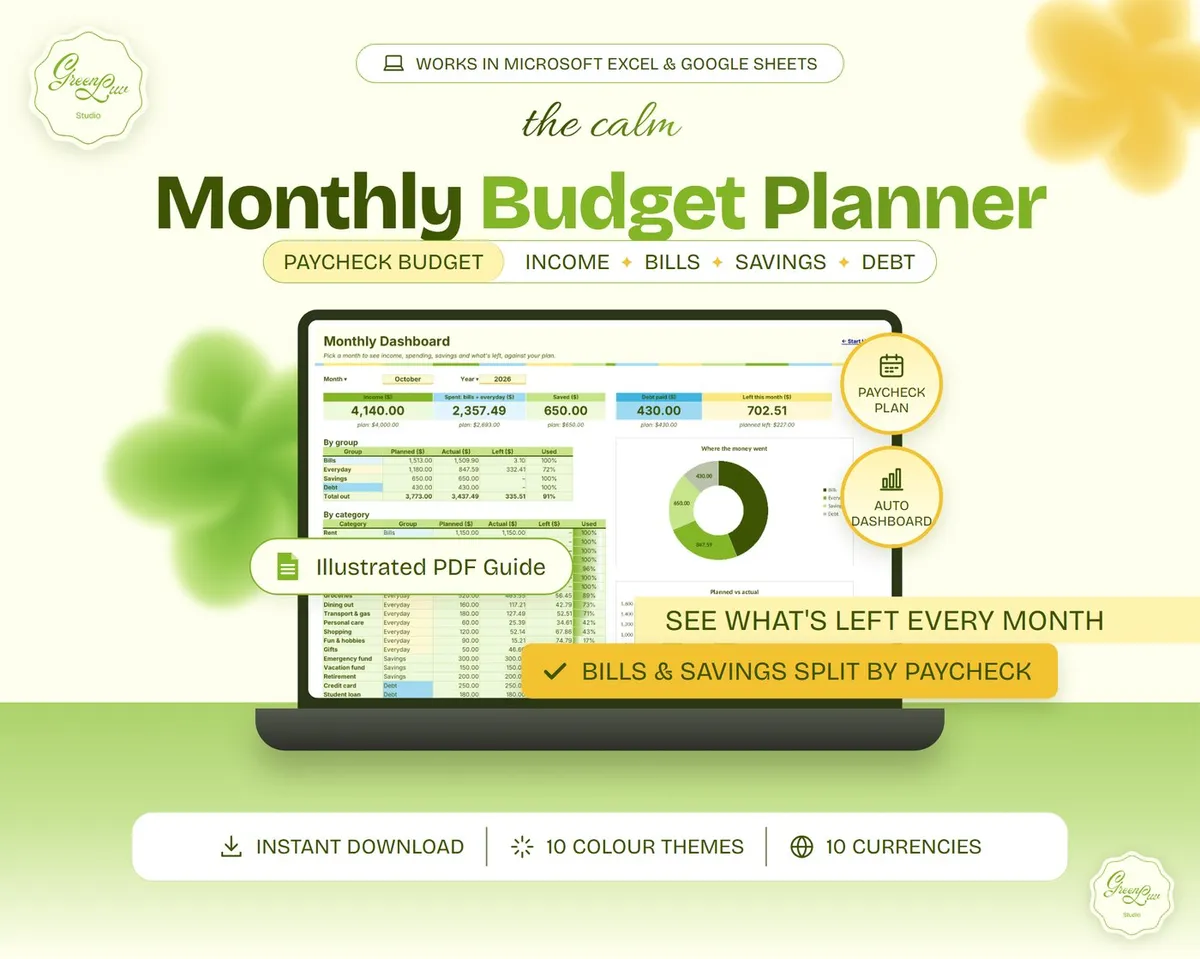
Plan the month, split it by paycheck and see what is left, with a dashboard that updates itself.
 Green Luv Studio
Home › All templates › Monthly Budget Starter
Framework Plan vs actual budgeting
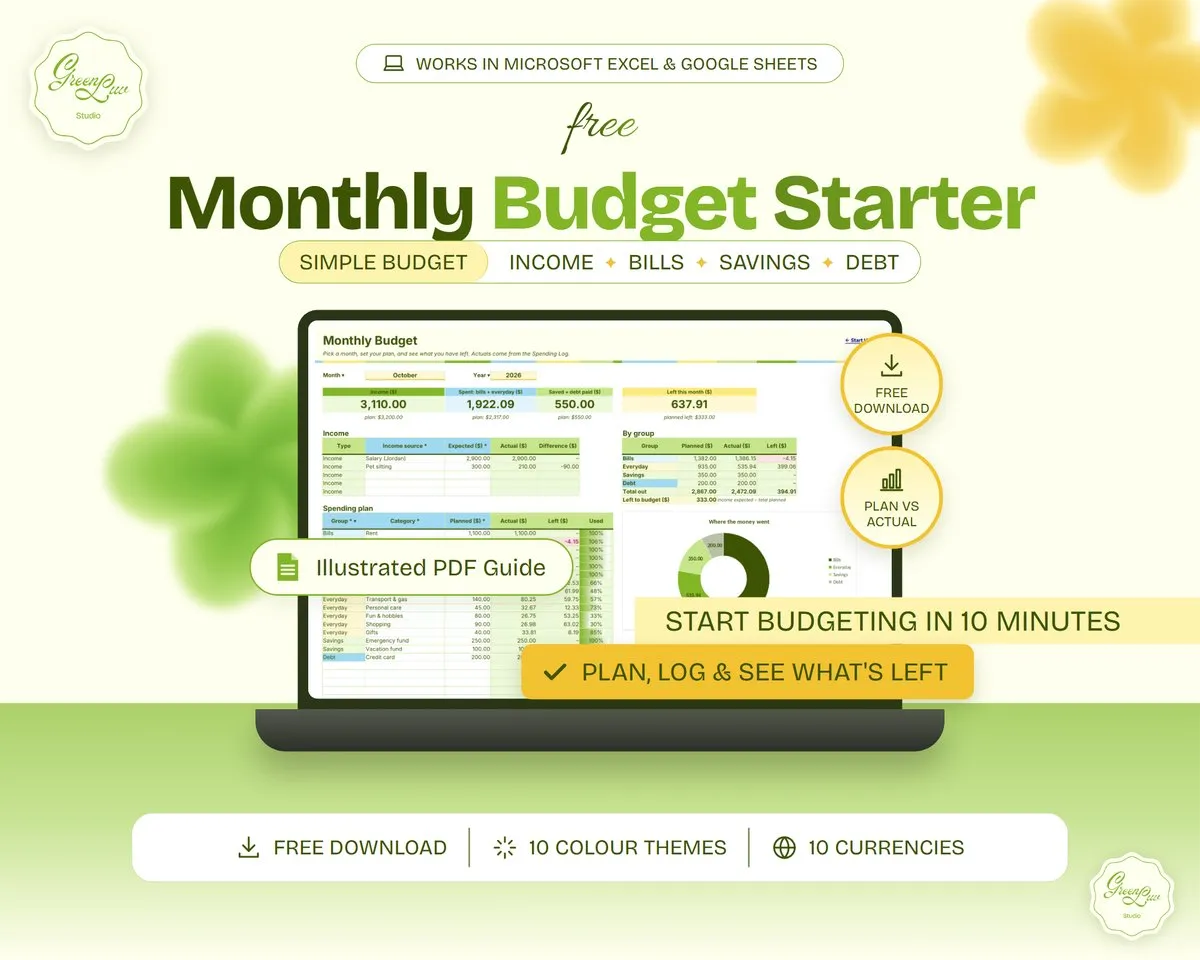
Built on the plan vs actual budgeting method, ready to use in Google Sheets & Excel, and made to fit you. A free, simple monthly budget: plan your month, log what you spend and see exactly what's left in about 10 minutes.
Get it freeYour income and a planned amount for up to 25 categories, grouped into Bills, Everyday, Savings and Debt.
Every category shows what you spent, what's left and how much of the plan you've used. Over plan shows in soft red.
Income, spent, saved + debt paid and what's left, with totals by group and a donut chart.
Log income and spending in seconds with category dropdowns. 300 rows ready.
Pick a month and year at the top to look back. Your plan stays the same.
$, £, €, A$, C$, NZ$, ¥, ₹, R or kr in every money header.
Income, then a planned amount for each category.
One row per payment, pick the category from the dropdown.
Totals, categories and the chart update by themselves.
watch it in action
A short silent walkthrough: set up, plan, log and check what's left.
| Feature | Free Starter | Monthly & Paycheck Planner |
|---|---|---|
| Monthly budget + plan vs actual | ✓ | ✓ |
| Categories | 25 | 50 |
| Rows for spending | 300 | 800 |
| Paycheck plan (which bills each paycheck covers) | – | ✓ |
| Full dashboard with 2 charts | Donut chart | ✓ |
| 12-month year overview | – | ✓ |
| 10 colour themes · 10 currencies | ✓ | ✓ |
No. You only type in the highlighted cells, the formulas do the maths and the guide walks you through every tab.
Each template follows a well-known planning method, such as paycheck budgeting or plan vs actual budgeting, and the product page names it, so you know exactly which system you are using.
Yes. Pick one of 10 colour themes and your currency from dropdowns on the Start Here tab.
Copy GREENLUV10 from the box above the Buy button, click Buy now and paste it into the coupon field at checkout.
Plan the month, split it by paycheck and see what is left, with a dashboard that updates itself.