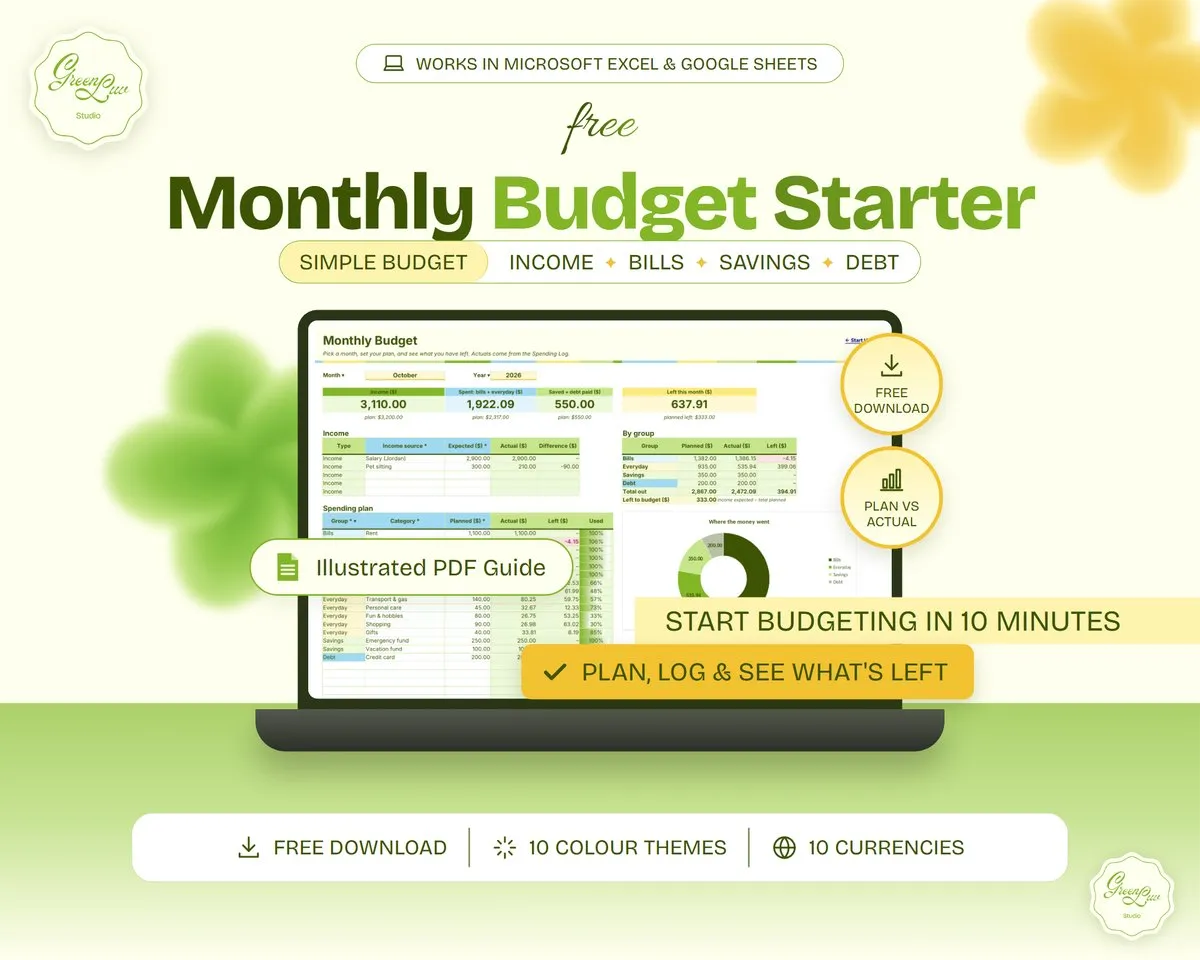
FREE
Monthly Budget Starter
Plan vs actual for one month, in Google Sheets or Excel. Enter your email at checkout and it lands in your inbox.
 GreenLuv Studio
Home › All templates › Debt Payoff Planner
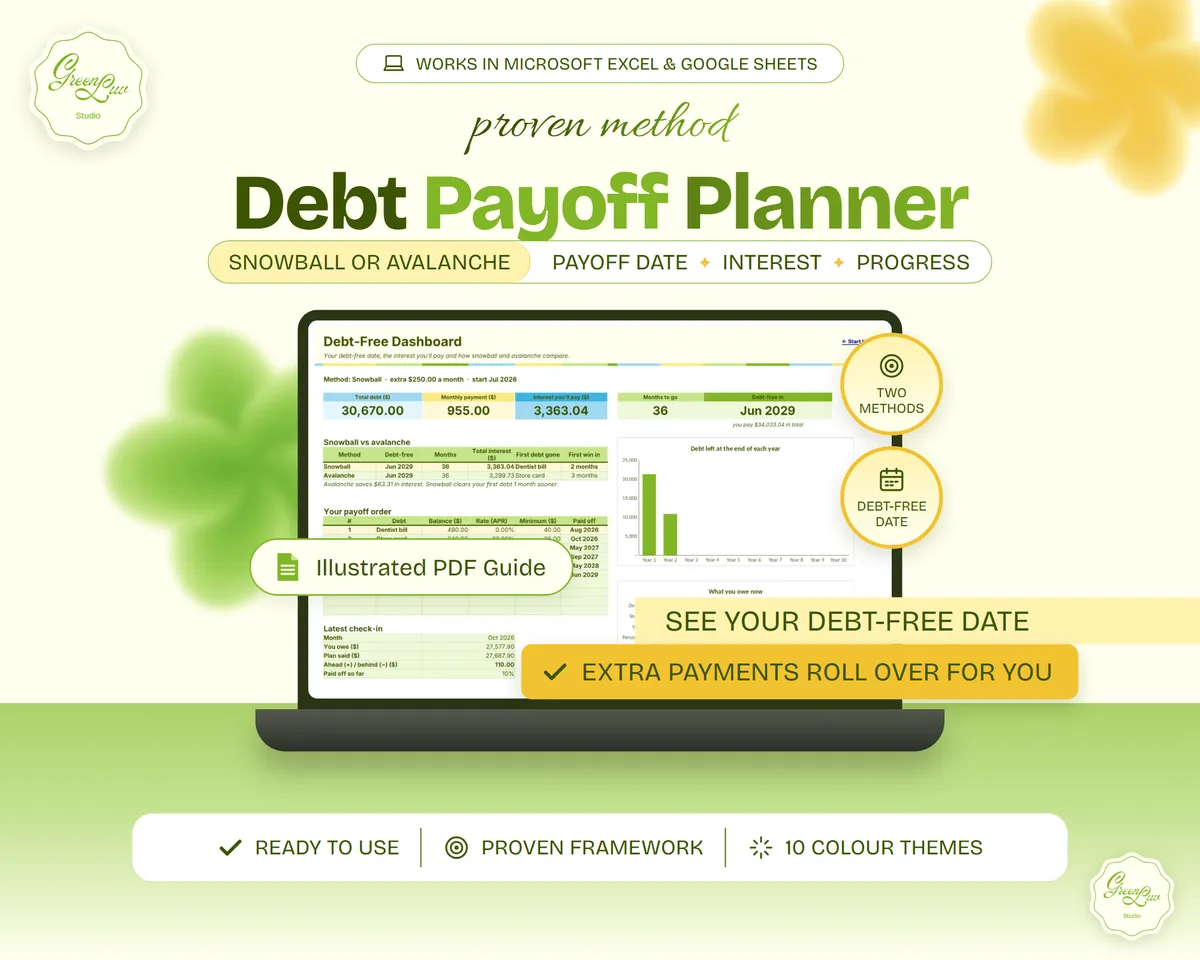
Framework Debt snowball & avalanche
Built on the debt snowball and debt avalanche methods, ready to use in Google Sheets & Excel, and made to fit you. List your debts once, pick a method, add the extra you can pay each month and see your debt-free date, the interest you'll pay and the order your debts will be paid off.
Buy now · Instant downloadUp to 10 debts with balance, APR, minimum payment and due day. Interest per month and both payoff orders fill in for you.
Up to 10 debts
Debt snowball (smallest balance first) or debt avalanche (highest rate first). Switch with one dropdown.
Snowball or avalanche
Total debt, monthly payment, interest you'll pay and your debt-free month, plus snowball vs avalanche side by side and 2 charts.
Debt-free date + 2 charts
Month by month for up to 10 years. The month each debt is paid off shows in bright green and its payment rolls on.
Up to 10 years, month by month
Once a month, type each balance from your statements and see if you're ahead or behind the plan.
Ahead or behind the plan
Pick a theme on Start Here and every tab changes colour. Choose from 10 currencies.
Every tab changes colour
Balance, rate and minimum from each statement.
Snowball or avalanche, plus your extra per month.
Type each balance and see if you're ahead of the plan.
watch it in action
A short silent walkthrough: set up, plan, log and check what's left.
No. You only type in the highlighted cells, the formulas do the maths and the guide walks you through every tab.
Each template follows a well-known planning method, such as paycheck budgeting, the debt snowball or content pillars, and the product page names it, so you know exactly which system you are using.
Yes. Pick one of 10 colour themes and your currency from dropdowns on the Start Here tab.
Copy GREENLUV10 from the box above the Buy button, click Buy now and paste it into the coupon field at checkout.
Plan vs actual for one month, in Google Sheets or Excel. Enter your email at checkout and it lands in your inbox.
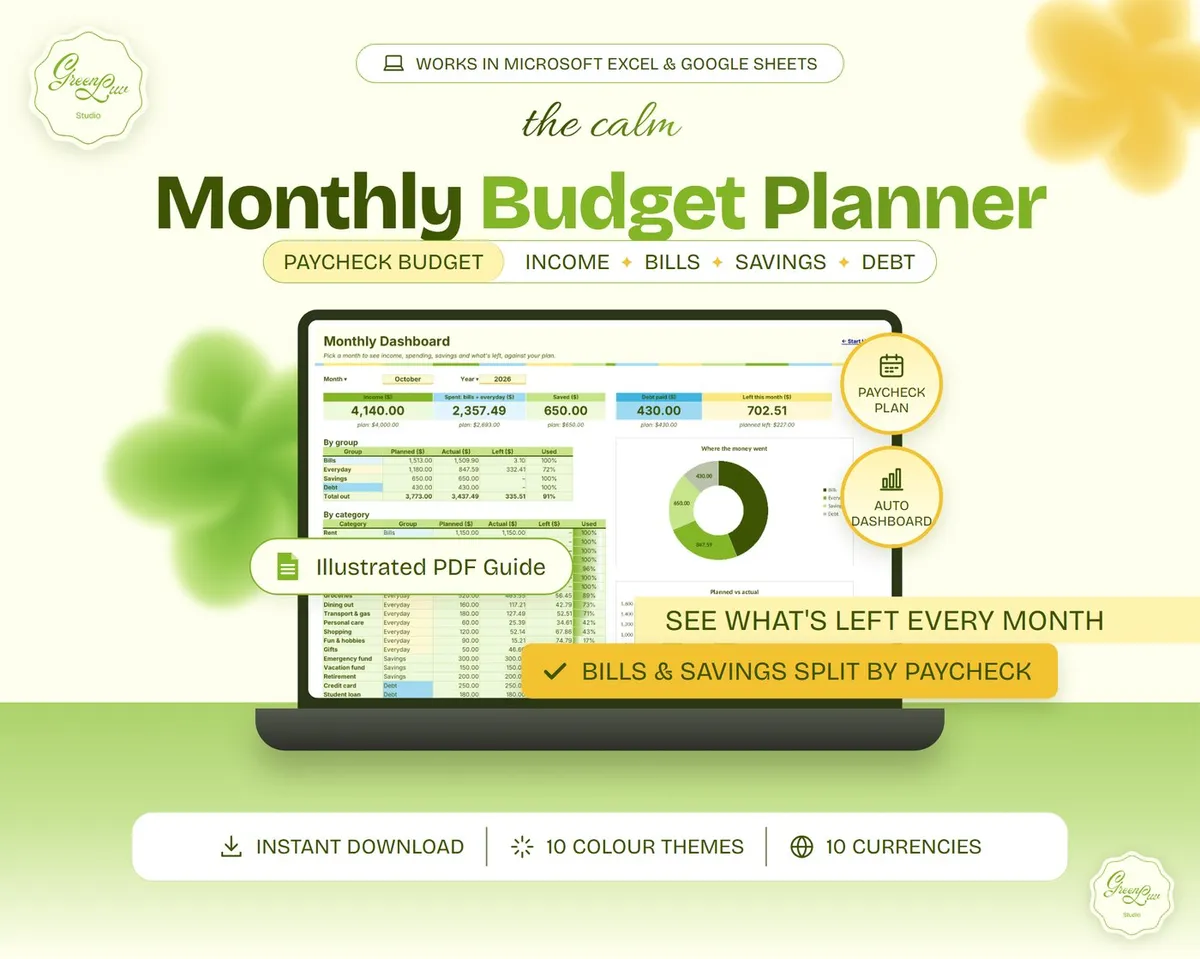
Plan the month, split it by paycheck and see what is left, with a dashboard that updates itself.
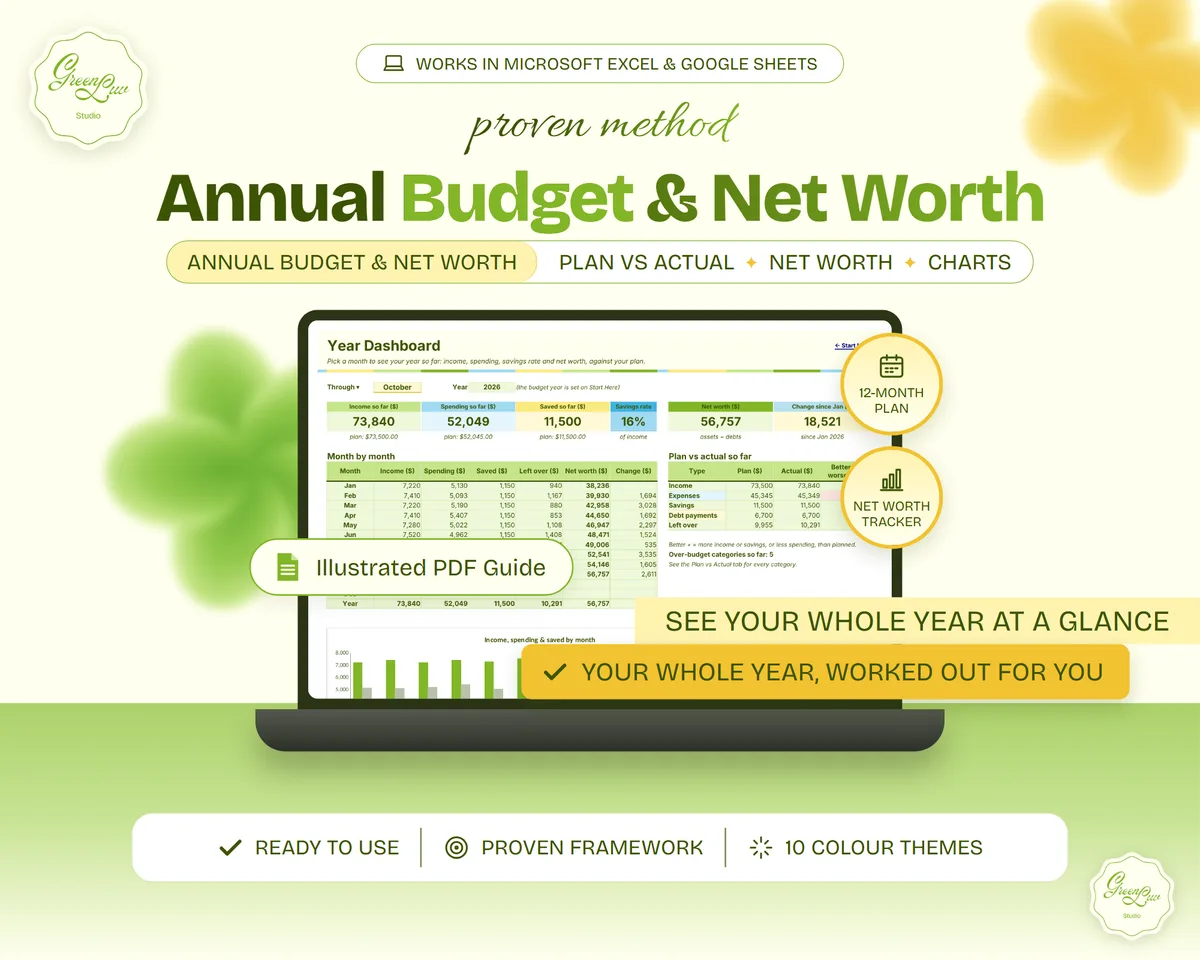
Plan your whole year, compare it with what really happens each month and watch your net worth grow.